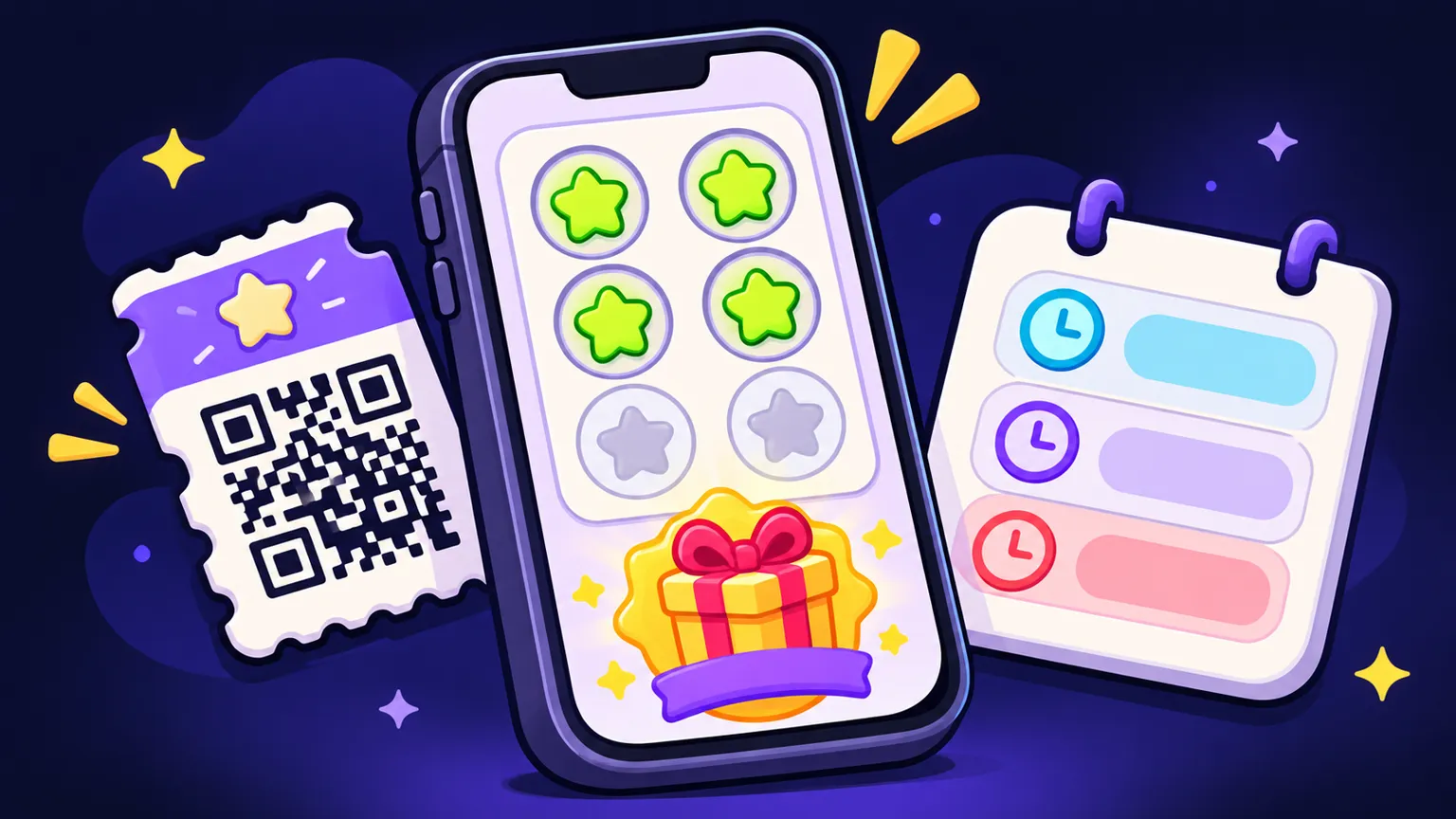
Start from one visit and reward loop
Most loyalty apps that stall in planning try to be a points engine, a marketing tool and a members club at once. The first release works better when it does one thing a paper stamp card already does, and does it with less fraud and better data. Write that loop down before you think about screens. This guide covers the scope and cost tradeoffs; the page on loyalty app development describes how we build and quote one.
| Step | Customer sees | Staff or system does | Scope note |
|---|---|---|---|
| 1. Join | Sign-up with email or phone, a short welcome | Creates a member record | Decide if accounts are required or if a device-only card is enough |
| 2. Earn | Shows a member QR code at the counter | Staff scans it in a staff mode and adds a stamp | The verification method is the largest scope decision |
| 3. Progress | Card fills up, for example 7 of 10 | Rules check limits (one stamp per visit window) | Rules live on the server so they cannot be edited on the phone |
| 4. Unlock | Reward appears with its expiry | Push notification, if you want one | Push needs a notification service and permission prompts |
| 5. Redeem | Taps redeem, shows a code to staff | Staff confirms, the reward is marked used | Staff confirmation prevents screenshot reuse |
| 6. Review | History of visits and rewards | Admin sees members, visits and redemptions | Keep admin to what you will check weekly |
The ten-stamp example is illustrative. Your reward threshold is a business decision, and the app should let an admin change it without a new release. That is also the kind of flow described on our event and loyalty app page, which lists what a sensible version one contains.
Redemption limits decide whether the program can be gamed
A paper card is easy to fake and nobody minds much. An app makes the rules visible and enforceable, which means you have to write them. These are the limits worth deciding before the quote, because each one is a rule the backend checks and a screen state the app has to show.
Redemption rules to decide up front
- How often a member can earn: once per visit, once per hour, once per day
- Whether earning needs a staff action, a purchase minimum, or both
- How long a stamp or point stays valid, and whether rewards expire
- How many rewards a member can hold at once
- Whether a reward can be used at every location or only where it was earned
- Who can reverse a stamp or a redemption, and whether that is logged
- What happens to a member's balance if they delete their account
- Whether staff need a PIN or a separate staff login to scan
Draw the admin boundary early
The admin panel is where loyalty projects quietly double in size. Every report, filter and campaign tool is its own set of screens and queries. A useful first admin answers three questions: who are my members, how often do they come back, and which rewards are being used.
| Admin feature | Version one | Later, once the program runs |
|---|---|---|
| Member list and search | Yes | Segments and tags |
| Manual stamp adjustment with a reason | Yes | Bulk adjustments |
| Edit reward threshold and expiry | Yes | Multiple reward tiers |
| Visit and redemption counts | Yes, simple totals | Cohort and retention charts |
| Export to CSV | Yes | Scheduled exports to a CRM |
| Push message to all members | Optional | Targeted campaigns and A/B tests |
| Staff accounts per location | If more than one site | Role-based permissions |
Where the app stops and the POS starts
Point-of-sale integration is the single biggest scope swing in a loyalty app. It is also where buyers most often assume more is possible than the POS vendor allows. Pick one of three levels for the first release.
| Level | How earning works | Good for | What it adds to scope |
|---|---|---|---|
| No POS link | Staff scan the member code in a staff mode of the app | Stamp cards, one or two locations, low-ticket visits | A staff mode and staff accounts; no third-party API |
| Reconciliation | Staff scan, and sales data is exported from the POS and matched later | Checking that stamps line up with real purchases | An import format and a matching report in the admin |
| Live POS integration | Points are added from transactions through the POS vendor's API | Spend-based points, many locations, high volume | Vendor API access, test environment, error handling, per-vendor work |
Before you ask for a live integration, check with your POS vendor that it has a public API or partner program, what it charges for access, and whether it already sells a loyalty add-on. If it does, read the build or buy comparison before commissioning a custom app.
What moves a loyalty app quote
Functional apps are priced on scope, so DFY does not publish a loyalty app price. The drivers below are what the written quote is built from. The general picture of app pricing is in the mobile app development cost guide.
| Driver | Smaller scope | Larger scope |
|---|---|---|
| Earning | Staff scan, stamps | POS integration, spend-based points |
| Rewards | One reward type | Tiers, partner rewards, birthday offers |
| Locations | One site | Many sites with per-site rules |
| Accounts | Email or phone sign-in | Social sign-in, family or shared cards |
| Admin | Members, rules, export | Campaigns, segments, dashboards |
| Notifications | Reward unlocked | Scheduled and targeted campaigns |
| Payments | None | Paid membership tier or gift cards |
Running costs after launch are mostly hosting, a push notification service, the store developer accounts (Apple charges 99 USD a year and Google Play a one-time 25 USD registration) and maintenance for OS updates. Any POS API fees are set by the POS vendor.
Sources: [S19]: Apple Developer, Enrollment (opens in a new tab)[S20]: Google Play Console Help, Get started with Play Console (opens in a new tab)
When a custom loyalty app fits, and when it does not
- It fits when your reward rules are specific to how you trade, you want the member data in your own systems, or loyalty sits next to another feature such as ordering ahead or event check-in.
- It fits less well when a stamp card with no data needs is enough. A POS loyalty add-on or a wallet pass from an existing platform will be cheaper to run and faster to launch.
- If you run events as well as a venue, the event app guide covers how check-in and schedules combine with a rewards card.
When you are ready, the app quote form takes about four minutes. Send your reward rules and your POS name, and the written scope will say which earning level fits and what it assumes.
Frequently asked questions
How much does a loyalty app cost?
It depends on how earning is verified, how many reward rules you need and how much the admin does. DFY sends a written scope with a quote instead of a fixed price, because a stamp card and a POS-integrated points program are different builds.
Does a loyalty app need to connect to my POS?
Not for a first release. Staff can scan a member code in a staff mode of the app; a live POS integration makes sense when points are based on spend or volume is high.
How do I stop people sharing reward codes?
Use codes that refresh and have staff confirm each redemption, so a screenshot of an old code does nothing.
Can I change the reward rules after launch?
Yes, if the scope puts thresholds and expiry in the admin panel. Rules stored on the server can change without a new store release.
Who owns the member data?
After full payment you receive the project files, and the hosting and developer accounts stay in your name, so the member database sits in an account you control.
Sources
- [S19] Apple Developer, Enrollment
- [S20] Google Play Console Help, Get started with Play Console
Written and reviewed by the DFY Games team. Published ; facts checked . Prices and store rules change: check the linked sources before you rely on a figure.