Booking app development built around your scheduling rules.
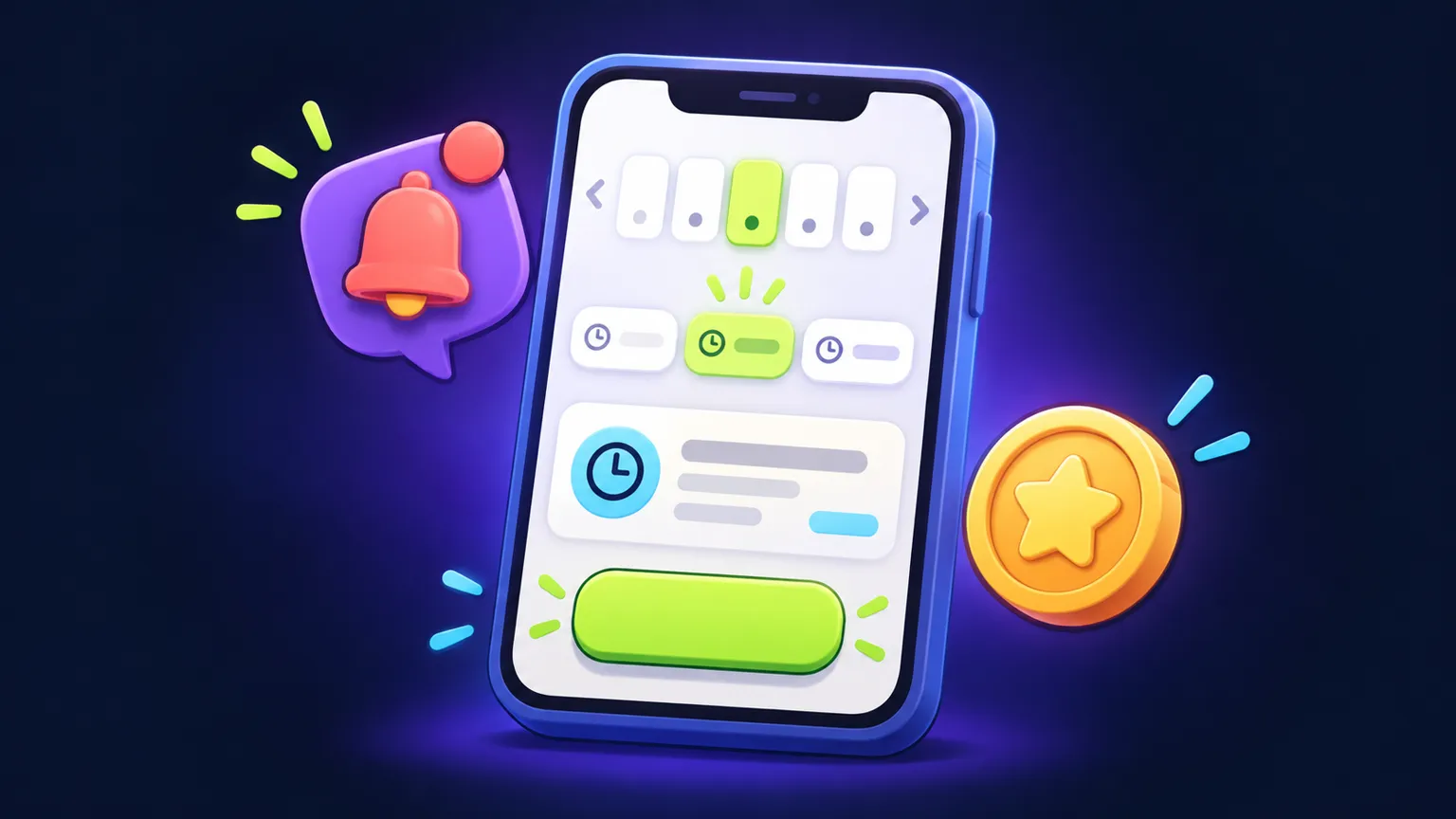
Booking app development starts with your scheduling rules. A booking app lets your customers pick a service and a time, hold or pay for the slot, and get a reminder before they arrive, while your staff see the day in one place. We work as a booking app development company for businesses whose rules do not fit a standard booking widget: mixed service lengths, rooms or equipment that must be free too, deposits that depend on the service. You get a written scope and quote before any build starts, and the booking app cost guide explains what moves that number.
Built for
- Salons and barbers with several staff and service lengths
- Clinics and therapists who need intake questions before a visit
- Tutors and coaches who sell single sessions and packages
- Equipment, room or vehicle rentals with buffer times
- Studios that book a person and a space at the same time
- Pricing
- Written quote after scope
- Platforms
- iOS and Android
- Payments
- Deposits or full payment, your account
- You own
- Files and original assets
A client books a colour appointment with a deposit
- 1The client opens the app, picks "Colour and cut" and sees only stylists trained for it.
- 2The app shows open slots long enough for the service plus processing time, on that stylist's calendar.
- 3The client pays a deposit through your payment provider and the slot is held for them.
- 4The booking appears on the stylist's calendar and in the admin view, and a confirmation goes out.
- 5A reminder goes out the day before; if the client cancels inside your cutoff, the deposit rule you chose applies.
What a sensible first version includes
- Service and staff list. Services with durations, prices and which staff can perform each one.
- Availability and slot picker. Working hours, breaks and buffers turned into bookable slots.
- Booking and checkout. Customer details, optional deposit or full payment, confirmation screen.
- My bookings. Upcoming and past bookings, with cancel and reschedule inside your rules.
- Reminders. Push or email reminders at the times you choose.
- Customer accounts. Sign-in so repeat clients do not retype their details.
- Staff and admin view. A day view, manual bookings, blocked time and basic customer notes.
Integrations
- Payment provider
- Deposits and full payments through a provider account in your name; refunds follow the provider's rules.
- Google or Outlook calendar
- One-way or two-way sync is scoped per calendar; two-way sync needs clear rules for conflicts.
- Email and SMS reminders
- Email is usually simple; SMS adds a messaging provider with per-message fees.
- Existing booking or POS system
- Possible only if that system offers an API; we check this in discovery before quoting.
- Video calls
- For online sessions, a meeting link can be created per booking through the video provider's API.
Costs after launch
- Hosting and database for bookings and accounts, billed to your account
- Apple Developer Program, 99 USD a year, and a Google Play developer account, 25 USD once (both in your name)
- Payment provider fees per transaction
- SMS provider fees if you send text reminders
- Maintenance for OS updates, library updates and small fixes, agreed separately
What changes the quote
Every app gets a written scope with assumptions before any price.
- Availability rules
- Buffers, multi-resource bookings and staff skills add logic and testing.
- Payments and cancellation policy
- Deposits, packages, refunds and no-show fees each add flows.
- Calendar sync
- Two-way sync with outside calendars is more work than a one-way feed.
- Number of locations
- Several sites with their own staff and hours multiply admin settings.
- Admin depth
- A simple day view is quicker to build than reporting, exports and staff permissions.
When to buy existing software instead
If your services have fixed lengths, one person or room per booking, and you are happy with a booking page under someone else's brand, an off-the-shelf scheduling tool will cost less and is ready today. A custom app makes sense when your rules, your brand in the app stores, or a connection to your own systems are the reason those tools keep failing you. Our build vs buy guide walks through the trade-offs.
What you own
After full payment, you receive the project files and the original assets created for your app. Third-party services, SDKs, fonts and licensed assets remain subject to their own license terms, and accounts like your developer, hosting and payment accounts stay in your name.
Before you commission: booking apps
- Guide · 8 minBooking app development cost: what changes the quoteWhat drives booking app development cost: availability rules, deposits, reminders and staff admin, plus a sample scope you can use to compare quotes.Read more
- Guide · 5 minCustom booking app vs scheduling software: how to decideA decision matrix for choosing between a custom booking app and existing scheduling software, with total cost questions and honest reasons to buy.Read more
- Guide · 6 minBooking app integrations: a commissioning checklist for one workflowA commissioning checklist for booking app integrations: calendar conflicts, deposits, cancellations and reminder failures to settle before you approve a scope.Read more
More app guides: Mobile app development cost · Code and art ownership · App brief template
Booking apps: FAQ
Can customers pay a deposit when they book?
Yes. Deposits or full payments run through a payment provider account in your name, and your cancellation rules decide what happens to the deposit.
Will it sync with Google Calendar?
It can. We scope whether bookings only push to the calendar or whether busy times on the calendar also block slots in the app, since two-way sync takes more work.
Can my staff add bookings by hand?
Yes. The admin view in version one lets staff add phone bookings, block time and move appointments.
How do I get a price for a booking app?
Send a short brief or the full questionnaire on the app quote page, and you receive a written scope with assumptions and a quote before any work starts.
Who owns the app and the customer data?
After full payment you receive the project files and the original assets made for the app, and the hosting, payment and developer accounts stay in your name.
Other apps we build
- Custom appMembership app development for clubs, gyms and communities.Membership app development with sign-up, member cards, gated content, perks and check-ins for iOS and Android. Scoped and quoted in writing.Read more
- Custom appA marketplace app development company for focused first versions.Marketplace app development company for founders testing a two-sided idea: listings, requests, messaging and split payments in a scoped iOS and Android MVP.Read more
- Custom appInventory management app development and internal tools for small teams.Inventory management app development and internal tools that replace a shared spreadsheet or group chat for one location and one workflow, on iOS and Android.Read more
Tell us the workflow. Get a written scope.
About four minutes. Assumptions, timeline and quote come back in writing.