Membership app development for clubs, gyms and communities.
A membership app gives your members one place for their card, their perks, the content they paid for and the news from your club. Our membership app development work is for clubs, gyms, associations and creators who want members to sign up, check in and stay, with an admin view your team can run without a developer. Every project starts with a written scope and quote, and the membership app cost guide shows which features move the price.
Built for
- Gyms and studios with members who check in at the door
- Sports and social clubs with tiers and annual renewals
- Professional associations with member-only resources
- Creators who sell access to content and a community
- Venues and co-working spaces with member perks
- Pricing
- Written quote after scope
- Platforms
- iOS and Android
- Admin
- Member and content management included
- You own
- Files and original assets
A new member joins and checks in for the first time
- 1The member downloads the app, creates an account and picks a membership tier.
- 2Payment or an existing membership code activates the account, and the digital member card appears.
- 3At the front desk, staff scan the card's QR code and the visit is logged.
- 4After a set number of visits a perk unlocks, and the member gets a push notification.
- 5In the admin view, staff see active members, renewals coming up and members who have stopped visiting.
What a sensible first version includes
- Sign-up and sign-in. Email or social sign-in, profile and membership status.
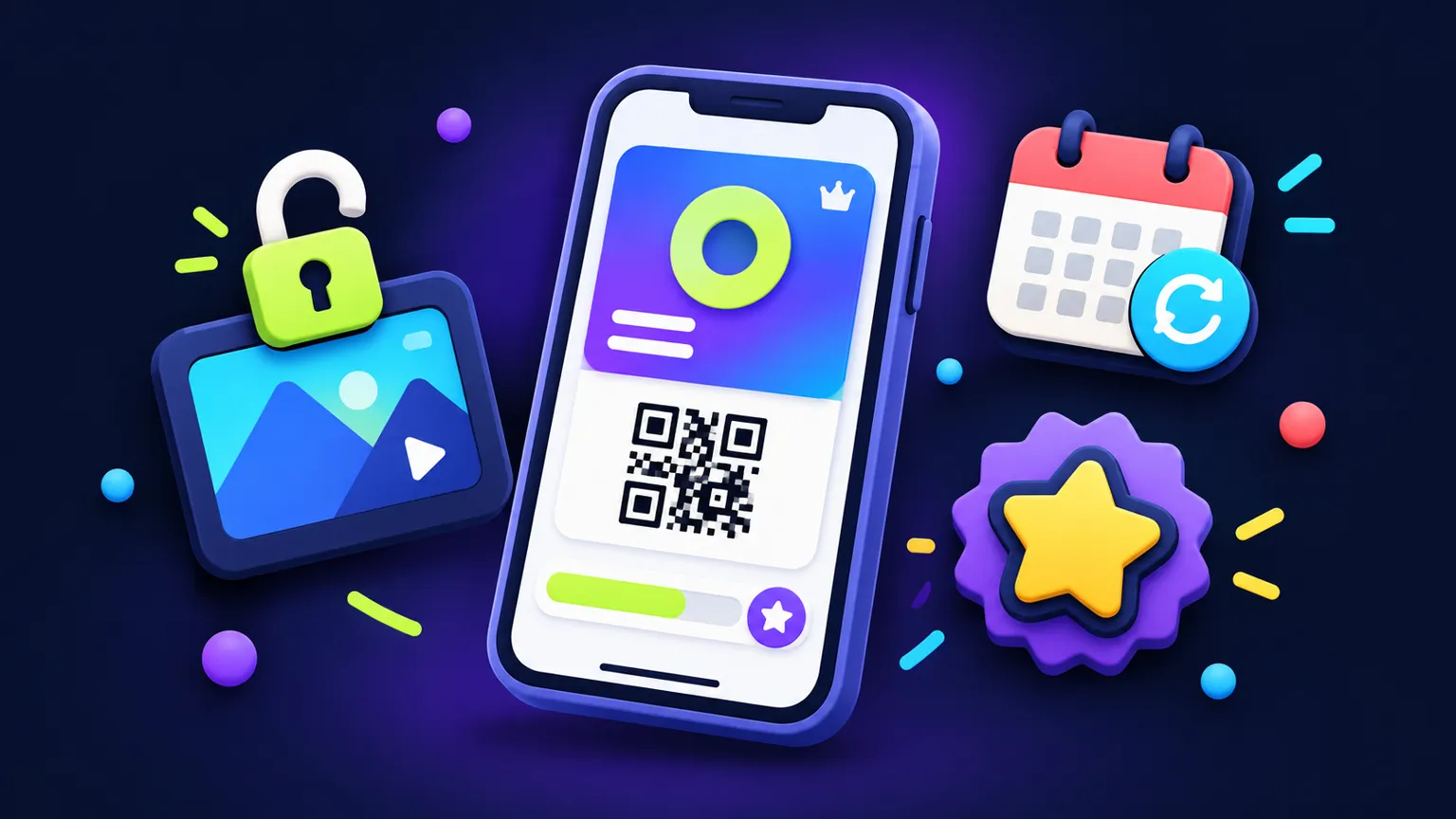
- Digital member card. A card with a QR code that staff can scan at the door.
- Tiers and access. Content and perks shown or hidden by membership level.
- Content feed. News, videos or documents your team publishes from the admin.
- Perks and check-ins. Visit logging and simple rewards after a number of visits.
- Notifications. Push messages to all members or one tier.
- Admin dashboard. Members, tiers, content and check-in history in one place.
Integrations
- Payment and subscriptions
- Card subscriptions through your payment provider, or in-app purchase where the store rules require it for digital content.
- Existing member database or CRM
- Import once or sync ongoing; ongoing sync depends on the system's API and is scoped separately.
- Email marketing tool
- Pass new members and tier changes to your mailing list tool.
- Door or access hardware
- Possible when the hardware vendor offers an API; we confirm it in discovery.
- Video hosting
- Member-only videos are usually streamed from a video host with access control, which has its own fees.
Costs after launch
- Hosting, database and file storage for members and content
- Apple Developer Program, 99 USD a year, and a Google Play developer account, 25 USD once (both in your name)
- Payment provider fees, or store commission on in-app subscriptions
- Video hosting or community tool subscriptions if used
- Maintenance for OS updates and small fixes, agreed separately
What changes the quote
Every app gets a written scope with assumptions before any price.
- Payment model
- Free sign-up, one-off fees, card subscriptions or in-app subscriptions each change the build.
- Tiers and permissions
- More tiers and staff roles mean more rules to build and test.
- Content types
- Text posts are simple; video, downloads and comments add storage and moderation.
- Community features
- Chat, forums and member directories add moderation and privacy work.
- Existing systems
- Migrating or syncing an existing member list adds integration work.
When to buy existing software instead
If you mainly need a members' area, payments and a forum, a hosted membership or community platform is cheaper and quicker to start, and many come with their own app. A custom app is worth it when check-ins, perks or tiers work in a way those platforms cannot model, or when the app itself carries your brand in the stores. The membership build vs buy guide covers the decision in more detail.
What you own
After full payment, you receive the project files and the original assets created for your app. Third-party services, SDKs, fonts and licensed assets remain subject to their own license terms, and accounts like your developer, hosting and payment accounts stay in your name.
Before you commission: membership apps
- Guide · 7 minMembership app development cost: what to includeWhat drives membership app development cost: digital member cards, gated content and renewals compared, with store payment rules and a sample scope.Read more
- Guide · 5 minCustom membership app vs community platform: which fitsCompare a custom membership app with a hosted community platform through member journeys, migration steps and who owns members, payments and content.Read more
- Guide · 5 minGym and creator membership app: scope and cost of version oneScope a gym, studio or fitness creator membership app: classes, workout content, challenges, member access and store payment rules, and what to leave out.Read more
More app guides: Mobile app development cost · Code and art ownership · App brief template
Membership apps: FAQ
Can members pay for their membership inside the app?
Yes, through your payment provider or through in-app purchase; which one applies depends on what you sell and on Apple and Google's rules for digital content.
Can we import our existing members?
Usually. A one-time import from a spreadsheet or export is simple, and an ongoing sync with another system is scoped separately.
Can staff scan members at the door?
Yes. Each member card shows a QR code that staff scan with a phone or tablet, and the visit is logged in the admin.
Do you build chat or a forum?
We can, but they add moderation and privacy work, so we often suggest leaving them out of version one unless the community is the main reason for the app.
How do I start?
Send a short brief or the full questionnaire through the app quote form, and you receive a written scope with assumptions and a quote.
Other apps we build
- Custom appBooking app development built around your scheduling rules.Booking app development for salons, clinics, tutors and rentals: slots, deposits, reminders and staff calendars, scoped and quoted in writing.Read more
- Custom appA marketplace app development company for focused first versions.Marketplace app development company for founders testing a two-sided idea: listings, requests, messaging and split payments in a scoped iOS and Android MVP.Read more
- Custom appInventory management app development and internal tools for small teams.Inventory management app development and internal tools that replace a shared spreadsheet or group chat for one location and one workflow, on iOS and Android.Read more
Tell us the workflow. Get a written scope.
About four minutes. Assumptions, timeline and quote come back in writing.