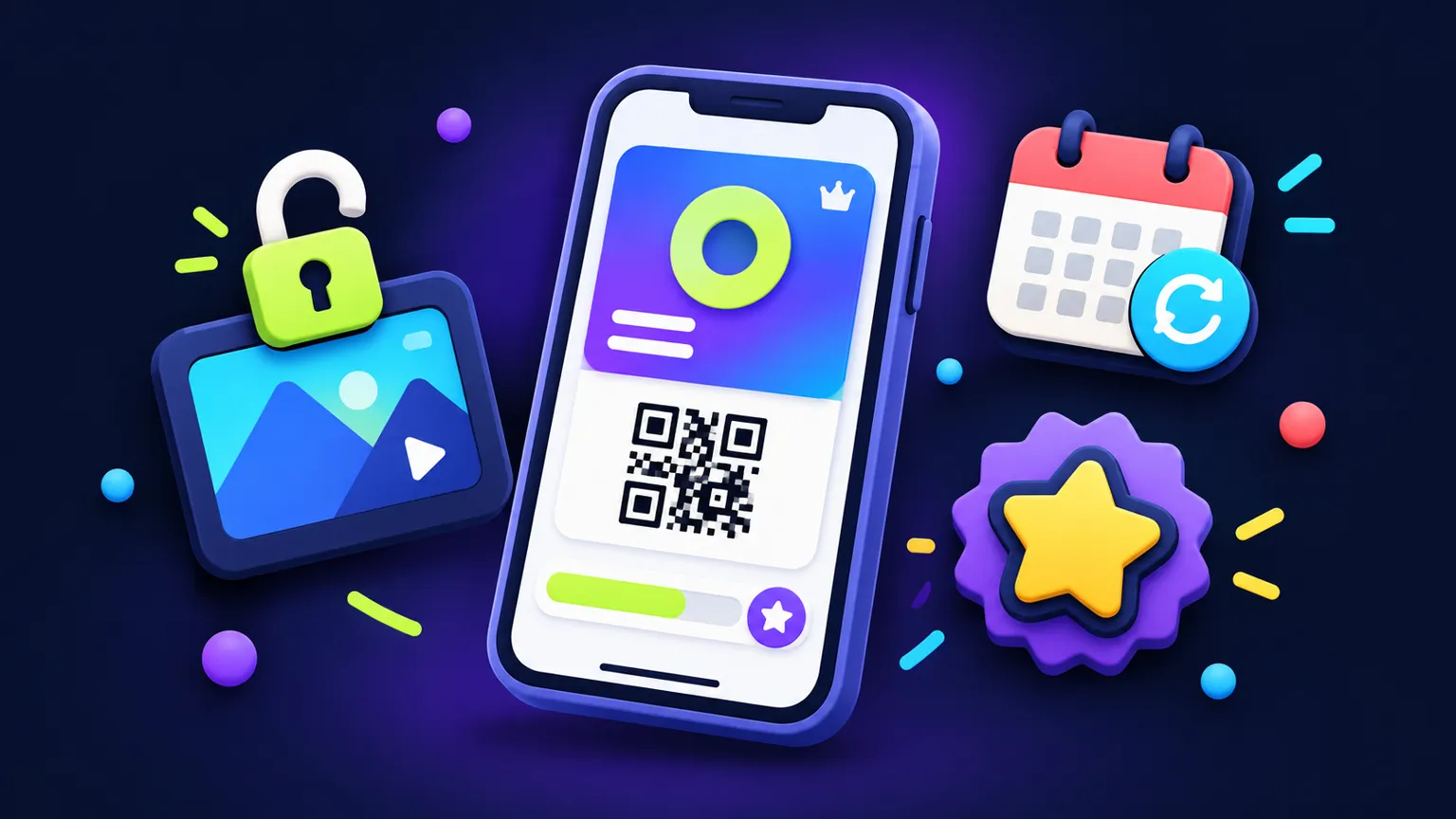
Digital cards, gated content and renewals compared
"Membership app" covers very different products. A climbing gym wants a card that opens the door. A creator wants paying fans to watch videos. An association wants members to renew each year without chasing them. Most apps combine two of these, and the combination drives the quote.
| Model | What members see | What has to be built | How members usually pay |
|---|---|---|---|
| Digital member card | A card with their name, tier and a QR code; a list of perks | Accounts, member records, card screen, a scanner or check-in view for staff, perk list | Outside the app or at the venue, since the membership is used in the real world |
| Gated content | Videos, articles, downloads or courses locked by tier | Content admin, video or file hosting, access rules per tier, offline handling | Generally the stores' in-app purchase when sold inside the app |
| Renewals | Expiry date, renewal reminders, a renew button | Billing integration, grace periods, failed-payment handling, entitlement sync across devices | Depends on what is being renewed: physical access or digital content |
A sample scope, line by line
This is an example scope written in October 2026 for a members' club. It is an example scope, not a customer project: two tiers, a digital card checked at the door, partner discounts, a small video library for the higher tier and annual renewal. Members pay for club access at the venue or on the club's website, and the video tier is also offered as an in-app subscription. The membership app page shows how a first version like this is usually shaped.
| Item | What is included | What drives effort |
|---|---|---|
| Platforms | Member app for iPhone and Android from one codebase, plus a web dashboard for the club | Two store builds, and in-app subscriptions set up on both stores |
| Member screens | Sign-in, home with card and expiry, rotating QR card, perks list and redemption, video library by tier, video player, renew or upgrade, profile, notification settings (about 10-12 screens) | The rotating card and tier checks on every locked screen |
| Staff screens | Scanner view with live member status, check-in log | Scanning in weak signal at the door |
| User roles | Member, door staff, club admin | Each role needs its own permissions and test cases |
| Integrations | Store in-app subscriptions for the video tier, card processor link for web renewals, video hosting, push and email | Keeping store and web renewals in sync so one member has one status |
| Admin | Web dashboard for members, tiers, perks, videos, push announcements and check-in reports | Number of reports and how members are imported or added |
| Component | What it covers here | What drives effort |
|---|---|---|
| Design | Member app, staff scanner view and dashboard in your brand | Number of screens and how custom the visual style is |
| Build | Apps, server, database, subscription handling and the integrations above | Renewal states, tier rules and the two payment routes |
| QA | Device testing plus sign-up, renewal, lapse, upgrade, scan and video access scenarios | Number of subscription states and tiers |
| Store deployment | Listings, subscription products, privacy answers and submission under your developer accounts | Review of the subscription and payment setup, which Apple and Google control |
| Contingency | A stated allowance for unknowns found during the build | How settled the payment model is before the build starts |
- Excluded: community feed, comments or chat.
- Excluded: event or class booking.
- Excluded: Apple Wallet and Google Wallet passes.
- Excluded: importing an existing member list or active subscriptions from another system.
- Excluded: ongoing maintenance after the bug-fix window, which is scoped separately.
The smaller option: drop the video tier and the in-app subscription, and the app becomes a member card with perks, paid for outside the app. That removes the store subscription work and video hosting, which are the largest items here. If the membership is mostly posts, events and courses, a hosted community platform may be enough, and our comparison of a custom member app and a hosted community platform shows how to decide.
| Cost | Paid to | What to expect |
|---|---|---|
| Apple Developer Program | Apple, in your name | $99 a year |
| Google Play registration | Google, in your name | $25 once |
| Store commission on the video subscription | Apple and Google | 15% for developers in Apple's Small Business Program and Google's reduced tier; terms differ by store and market |
| Card processing on web renewals | Your payment provider | A fee on each payment, set by the provider's published pricing |
| Video hosting | Your video provider | Usage based; grows with the library and viewing |
| Hosting, push and email | Your providers | Usage based; check each provider's plan |
| Maintenance | Your developer | Operating system updates, subscription changes and fixes, quoted separately |
Sources: [S19]: Apple Developer, Enrollment (opens in a new tab)[S20]: Google Play Console Help, Get started with Play Console (opens in a new tab)[S21]: Apple Developer, App Store Small Business Program (opens in a new tab)[S22]: Google Play Console Help, Service fees (opens in a new tab)
Digital member cards
A card screen is simple to build. The work is in making it trustworthy at the door. A static QR code can be screenshotted and shared, so many apps use a code that refreshes every few seconds, or check the member's status on the staff device when scanned. Staff need a scanner view, ideally one that still works when the venue's signal is weak.
- Member records: name, photo, tier, start and expiry dates.
- Check-in log, which also tells you who has stopped coming.
- Perks list, with optional one-time redemption codes.
- Optional Apple Wallet and Google Wallet passes, which members like but which add their own setup.
If perks and visit stamps are the main point, the loyalty app scope guide covers that pattern in more detail.
Gated content and the store payment rules
Content apps need somewhere to put the content and a way for your team to manage it. Video is the expensive part to host and stream, so budget for a video hosting service in running costs. Access rules decide which tier sees what, and whether downloaded content stays available offline after a membership lapses.
Payment rules shape this model more than any other. Apple's App Review Guidelines (section 3.1.1) say that unlocking content or features inside an app, including subscriptions and premium content, must use in-app purchase. Google Play's Payments policy lists subscription services among the in-app purchases that must use Google Play's billing system, while gym memberships and other physical services must not. Both stores have exceptions (Apple's "reader" app rules, for example) and region-specific programs, and both change their rules over time.
Sources: [S8]: Apple Developer, App Review (opens in a new tab)
Renewals and billing
Renewals are where membership apps get complicated. The app has to know, on every device, whether a member is active right now. That status may come from a store subscription, a card processor or a record your staff update by hand, and all three can disagree for a while.
- Grace periods when a card fails, and what the member sees during them.
- Upgrades and downgrades between tiers in the middle of a billing period.
- Cancellations made in the store's own subscription settings, which the app learns about through server notifications.
- Members who joined at the front desk and members who joined in the app, shown in one list.
- Renewal reminders that stop once someone has renewed.
For digital subscriptions sold through the stores, Apple's Small Business Program and Google Play's service fee tier take 15% for developers under their revenue thresholds; the terms differ by store and market. Put that share into your pricing before launch.
Sources: [S21]: Apple Developer, App Store Small Business Program (opens in a new tab)[S22]: Google Play Console Help, Service fees (opens in a new tab)
What moves a membership app quote
| Driver | Keeps the quote smaller | Pushes the quote up |
|---|---|---|
| Payment model | Members pay outside the app | Store subscriptions plus web billing kept in sync |
| Tiers | One or two | Many tiers, add-ons and family plans |
| Content | A short list of links or PDFs | Video library, courses, downloads, offline access |
| Community | Announcements only | Feed, comments, chat and moderation tools |
| Existing members | Starting fresh | Importing members and active subscriptions |
| Check-in | Show the card to staff | Scanner app, door hardware, offline check-in |
Community features deserve a separate note: once members can post, you need reporting, blocking and someone to moderate, and both stores expect apps with user-generated content to provide these. If a hosted community platform might cover your needs, compare it first in custom member app or hosted community platform. For a fitness or creator angle, see how to scope a gym or creator member app.
Frequently asked questions
How much does a membership app cost?
It depends mainly on whether it handles a member card, gated content, in-app renewals or all three. DFY Games sends a written scope and quote rather than a fixed price because these combinations vary so much.
Do membership apps have to use Apple's in-app purchase?
Digital content and subscriptions unlocked in the app generally do; memberships for physical services such as gym access generally use other payment methods. Check the current Apple and Google rules for your case.
Can members who pay on my website use the app?
Often yes, under the stores' rules for multiplatform services and reader apps, but the conditions differ by store and content type. This is worth confirming during discovery.
How do I stop members sharing a screenshot of their card?
Use a QR code that refreshes regularly, or have the staff scanner check the member's live status when the code is scanned.
Who owns the member data?
With DFY Games, the app's database and your developer, hosting and payment accounts are in your name, and after full payment you receive the project files.
Sources
- [S19] Apple Developer, Enrollment
- [S20] Google Play Console Help, Get started with Play Console
- [S21] Apple Developer, App Store Small Business Program
- [S22] Google Play Console Help, Service fees
- [S8] Apple Developer, App Review
- Apple Developer, App Review Guidelines
- Google Play Console Help, Payments
Written and reviewed by the DFY Games team. Published ; facts checked . Prices and store rules change: check the linked sources before you rely on a figure.