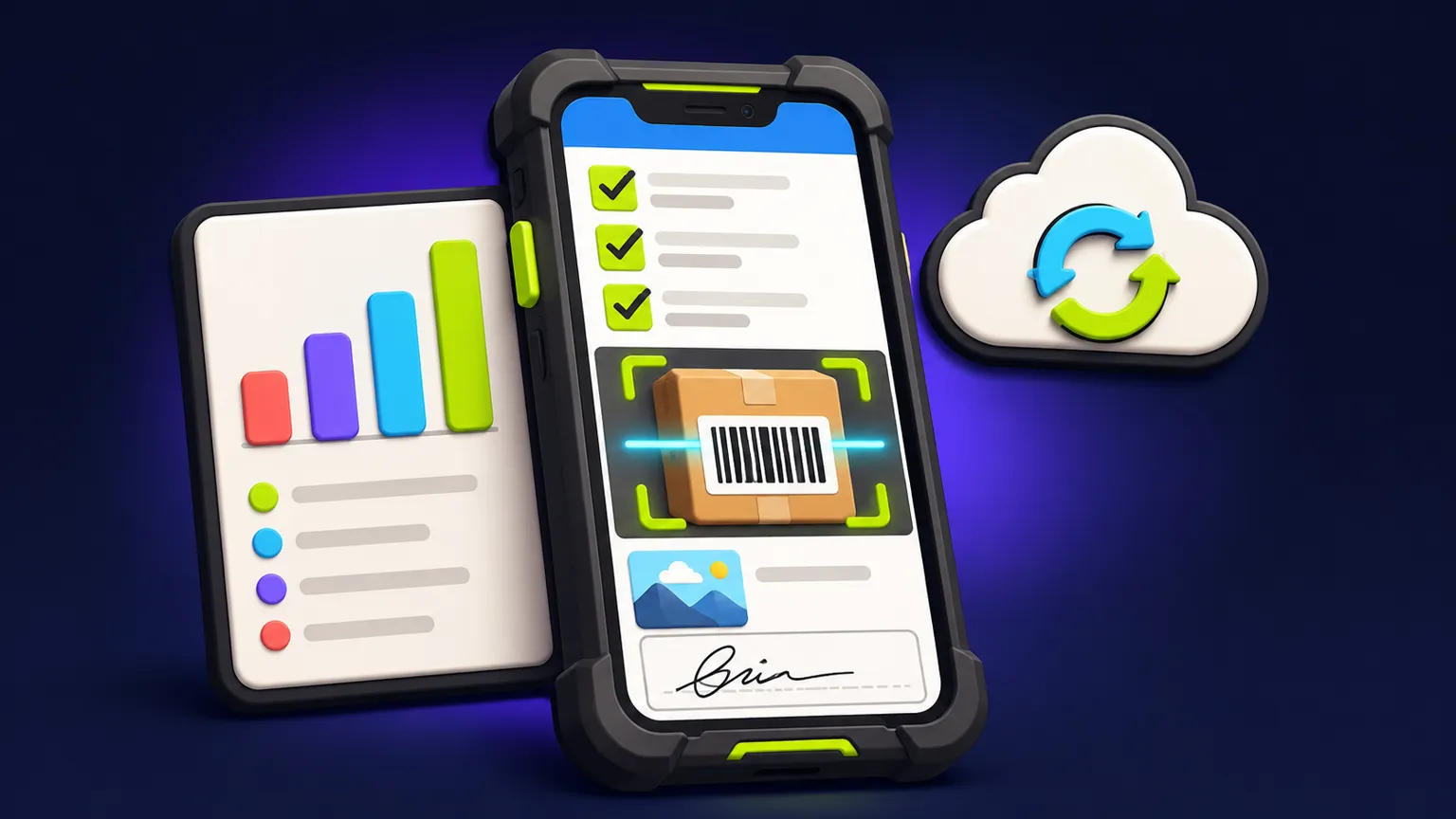
Start with one location and one workflow
"Inventory app" covers everything from a list of tools in a workshop to a warehouse system with purchase orders and cost accounting. The second is ERP territory and a different kind of project. A custom app earns its cost on the first kind: a specific job your team does with stock every day, in a specific place, that a spreadsheet or a generic tool makes slow. This guide covers the scope decisions and tradeoffs; our page on inventory management app development shows how we build and quote that kind of tool.
Pick the workflow before features. Typical candidates:
- Receiving a delivery and checking it against what was ordered
- Checking equipment out to staff and back in, with who has what
- Restocking a van or a site from a central store
- Running a periodic stock count in one location
- Logging items used on a job so they can be billed
Write down who does it, where they stand, what they hold in their hands and what the office needs from it afterwards. That description is worth more to a quote than a feature list.
The four choices that move the quote
| Driver | Lean version | Bigger version | Ask yourself |
|---|---|---|---|
| Barcode or QR capture | Phone camera scans codes you print yourself | Existing supplier barcodes, dedicated scanners, NFC or RFID tags | Do items already have codes, or will you label them? |
| Permissions | Two roles: staff record movements, managers edit items and counts | Roles per location, approval steps, field-level restrictions | Who must not be able to change stock levels? |
| Sync and offline | Online only, works where there is signal or Wi-Fi | Full offline use with queued changes and conflict handling | Is there signal in the stockroom, van or site? |
| Reporting | Current stock list, movement history, CSV export | Dashboards, low-stock alerts, valuation, scheduled reports | Which one report does the manager open every week? |
Sync deserves the most thought. An app that only works online is much simpler; an app that works offline must queue changes and decide what happens when two people adjust the same item before either has synced. If your team works in basements, vans or rural sites, budget for it. The offline field-app brief shows what that looks like in practice.
Integrations: where scope quietly grows
Every outside system the app talks to is its own build and test surface. Common requests, roughly from simplest to hardest:
- CSV import of the starting item list, and CSV export for the accountant
- Email or push alerts when stock falls below a level
- Reading products from an online shop or point-of-sale system
- Writing stock changes back to that system
- Two-way sync with accounting or ERP software
The first two belong in most first versions. Two-way sync with another system of record is where a small app becomes a large one, because both systems now have to agree on every number.
What a custom inventory app should not try to be
| Your situation | Better choice |
|---|---|
| Standard retail or e-commerce stock across channels | Inventory features in your shop or POS platform |
| Purchasing, costing and accounting in one place | Off-the-shelf inventory or ERP software |
| One unusual workflow the team does on phones in one place | A custom app built for that workflow |
| A spreadsheet that mostly works but is messy | Tidy the spreadsheet first (see the spreadsheet guide) |
Example version-one scope
Ask for that scope and the quote is easy to reason about. Add a second site, offline use and a servicing schedule and it is a noticeably bigger project, which is fine if those are what you need.
Checklist for your inventory app brief
Inventory brief
- The one workflow, described as who does what, where
- Number of locations at launch
- How items are identified today (codes, names, nothing)
- Signal and Wi-Fi conditions where the work happens
- Roles and what each must not be able to do
- The report a manager needs, and how often
- Systems the app must read from or write to
- Roughly how many items and how many users
Our internal operations app service covers inventory, checklists and approvals. Send the checklist through the app quote form for a written scope with assumptions, timeline and quote.
Frequently asked questions
Can a phone camera replace a barcode scanner?
For moderate scanning volumes, usually yes. Teams scanning hundreds of items an hour often prefer dedicated scanners, which adds hardware and testing.
Does the app need to work offline?
Only if the work happens without reliable signal. Offline support adds queued changes and conflict handling, so confirm the need before including it.
Can it connect to my accounting software?
Often, through that software's API. An export is much simpler than a two-way sync, and two-way sync is the point where a small app becomes a large one.
Will a custom app replace our ERP?
No, and it should not try. A focused app can handle one workflow beside your ERP or accounting system.
How much does an inventory app cost?
It is quoted per project, because scanning, sync, permissions and integrations vary so much. A written scope lists the assumptions behind the number.
Written and reviewed by the DFY Games team. Published ; facts checked . Prices and store rules change: check the linked sources before you rely on a figure.