Signs the spreadsheet is the problem, and signs it is not
| Symptom | Improve the spreadsheet | Consider an app |
|---|---|---|
| Columns are inconsistent and totals break | Yes: data validation, locked formulas, one tab per purpose | Only if the next rows also apply |
| People fill it in on phones in the field | Hard to fix in a sheet | Yes |
| Someone retypes paper forms or photos into it | Forms tools may help | Yes, if photos or signatures matter |
| Anyone can edit anything, and mistakes are costly | Protected ranges help a little | Yes, roles and permissions |
| Several people edit at once and overwrite each other | Shared online sheets help | Yes, if the work is offline or structured |
| One person maintains it and everyone else reads it | Usually fine as it is | Rarely worth it |
| The sheet triggers follow-up work (emails, approvals) | Automation add-ons may help | Yes, if steps must happen in order |
If most of your ticks land in the middle column, spend an afternoon on the spreadsheet: data validation, drop-down lists, protected formula columns and a separate tab for raw entries. A form tool that writes into the sheet is another cheap step. An app is worth it when the trouble lies in how and where the data is captured.
A spreadsheet is enough when
- One or two people enter the data, at a desk
- Nobody needs photos, signatures or scans attached to a record
- Mistakes are cheap to spot and fix
- Everyone who edits it can be trusted with every column
- Nothing has to happen in a fixed order after a row is added
- The time-saved worksheet below shows a small number
A sample workflow, before and after
Take a small maintenance company that logs site visits. This is an illustrative example of a common pattern, not a client story.
| Step | Before: spreadsheet | After: app |
|---|---|---|
| 1. Job assigned | Office adds a row and sends a message to the technician | Office creates the job; it appears on the technician's phone |
| 2. On site | Technician writes notes on paper and takes photos on a personal phone | Technician ticks a checklist and takes photos in the app |
| 3. Sign-off | Customer signs a paper sheet | Customer signs on the screen |
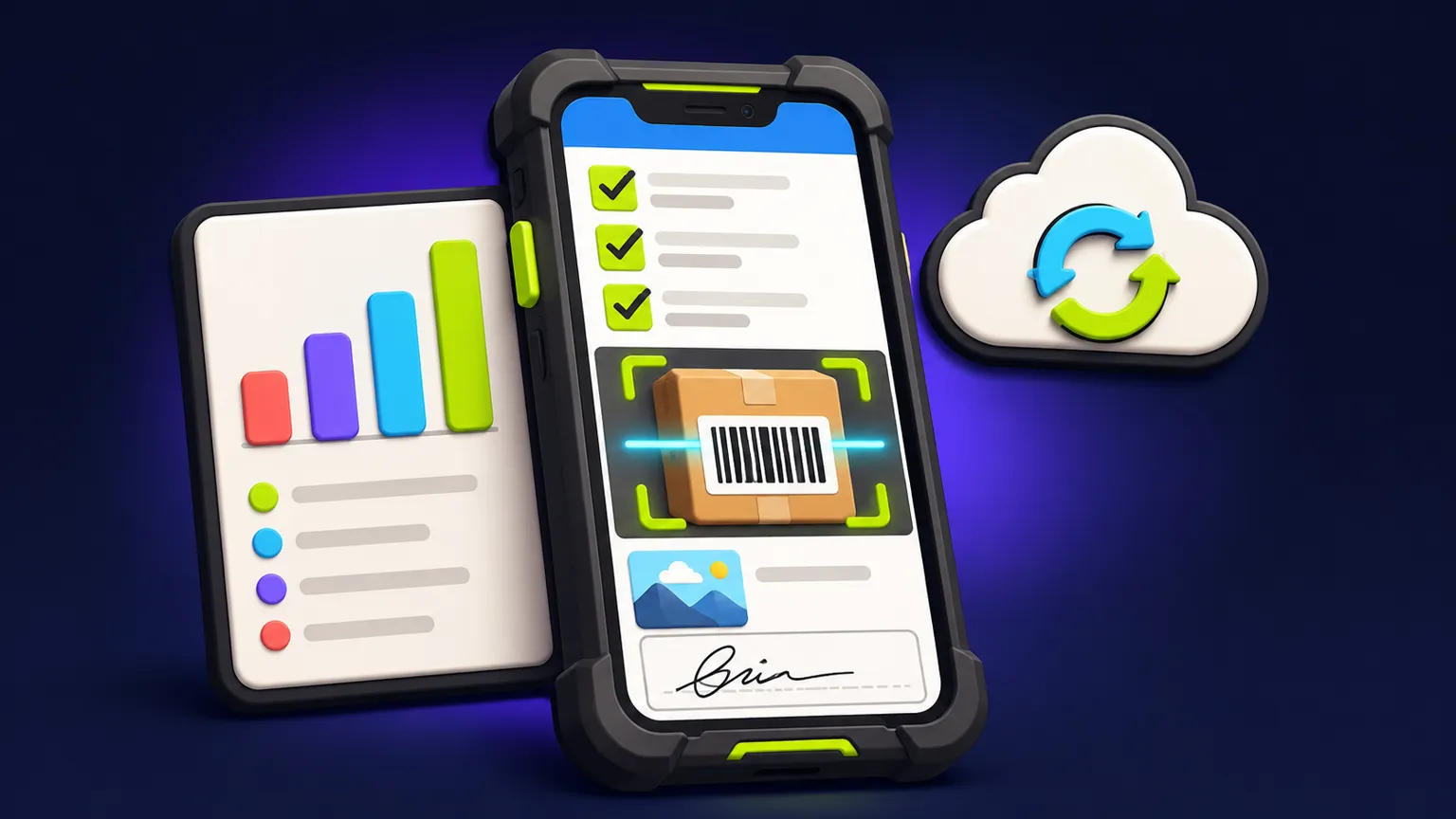
| 4. Back at the office | Technician sends photos; office types notes into the sheet | Job syncs automatically with notes, photos and signature |
| 5. Report | Office copies the row into a document and emails it | Report generated from the job record |
| 6. Invoice | Office checks the sheet for completed jobs | Completed jobs listed, ready to export to invoicing |
The app removes steps 4 and 5 almost entirely and cuts the chance of a photo or signature going missing. It does not remove the office's judgement on what to invoice, and it adds a new task: keeping the app's job list and checklist templates up to date.
Time-saved worksheet: fill in your own numbers
Copy this table and replace the example figures with yours. The example column is invented to show the arithmetic; it is not a benchmark. Be conservative: an app rarely removes a task completely.
| Line | Assumption | Example figure | Your figure |
|---|---|---|---|
| A | Records entered per week | 60 | ____ |
| B | Minutes per record today (typing, chasing, copying) | 8 | ____ |
| C | Minutes per record with an app | 3 | ____ |
| D | Minutes saved per week: A x (B - C) | 300 | ____ |
| E | Hours saved per week: D / 60 | 5 | ____ |
| F | Loaded hourly cost of the people doing it | Your rate | ____ |
| G | Weekly value of time saved: E x F | 5 x your rate | ____ |
| H | Errors per month today (wrong or missing records) | 4 | ____ |
| I | Cost of one error (rework, lost invoice, repeat visit) | Your estimate | ____ |
| J | Monthly error cost avoided: H x I x share you expect to prevent | 4 x your estimate x 0.5 | ____ |
| K | Ongoing app costs per month (hosting, maintenance) | From your quote | ____ |
Compare (G x 52 / 12) + J against K each month, and then compare what remains against the build quote to see how long it would take to pay back. If the monthly saving after K is small, improve the spreadsheet and revisit later. If it is large and the steps that eat the time are the ones an app removes, the case is strong.
The options between a spreadsheet and a custom app
- A better spreadsheet: validation, protected ranges, one entry tab, a summary tab.
- A form tool that writes into the sheet, so field staff never touch the grid.
- A no-code app builder on top of the sheet, for simple lists and forms.
- An off-the-shelf field service or inventory product, if your workflow is standard.
- A custom app, when your workflow is specific, needs offline use, photos, signatures or strict roles, and the worksheet shows the time is worth it.
Each step costs more and fits your process more closely. Going one step further than you need is the usual mistake, and it runs in both directions.
Turning the spreadsheet into a brief
Your spreadsheet is already half a brief. Its columns are the data model, its tabs hint at the screens, and its messiest parts show where the app needs rules. Send a copy with sample rows (anonymized if needed), the before-and-after steps and your filled-in worksheet through the quote form.
The internal operations app page shows the kinds of team tools we scope. If the sheet tracks stock, the inventory app scope guide covers the choices specific to that.
Frequently asked questions
When should I replace a spreadsheet with an app?
When data is captured on phones away from a desk, when roles and permissions matter, or when retyping and chasing costs real hours every week. If the only problem is structure, improve the sheet first.
Can the app keep using my spreadsheet as a database?
It can for simple cases, but a proper database is safer once several people write at once or the app works offline. Exports back to a spreadsheet are easy to keep.
How do I estimate the time an app would save?
Use the worksheet: records per week, minutes per record now and with an app, and the cost of errors. Measure the current minutes for a week rather than guessing.
Will my team actually use the app?
They are more likely to if it removes steps they dislike, such as retyping or chasing photos. Involve one or two of them in testing the prototype.
What does it cost to turn a spreadsheet into an app?
It is quoted per project. Screens, roles, offline use and integrations decide the scope, and the written quote lists those assumptions.
Written and reviewed by the DFY Games team. Published ; facts checked . Prices and store rules change: check the linked sources before you rely on a figure.