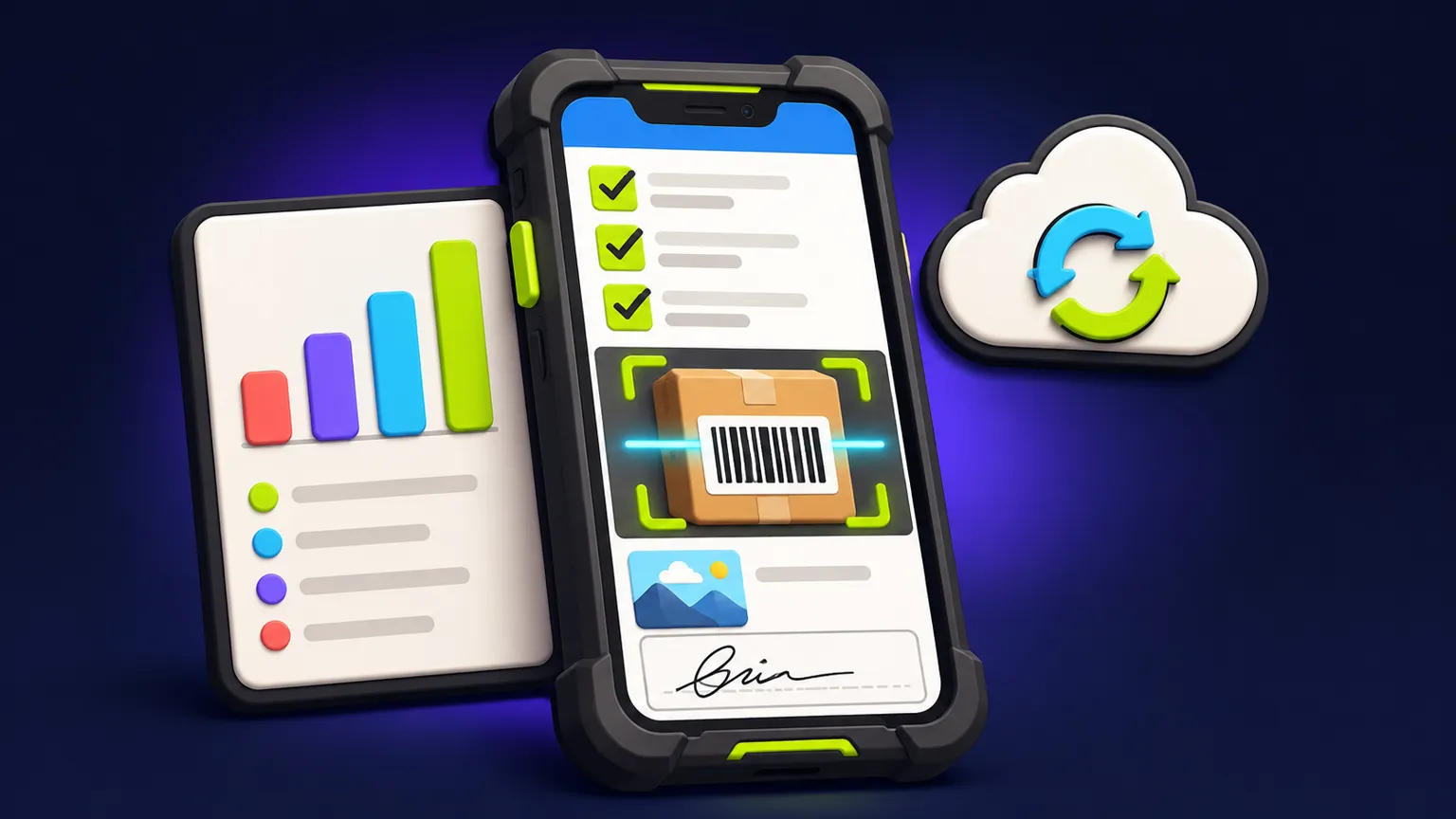
What "works offline" has to mean
Many apps cache a screen and call it offline. A field checklist app has to go further: a technician opens the day's jobs in a basement or on a rural site, completes every item, takes photos, gets a signature and closes the job, all without signal. Nothing is lost if the phone restarts. When the connection comes back, everything uploads in the right order, and the office can see which jobs are still waiting to sync.
That promise shapes the build. Job data and checklist templates have to be downloaded ahead of time, every action is stored on the phone first, and the server has to accept changes that arrive late and out of order.
Worked example brief: monthly fire-door inspections
The rest of this guide takes that brief and fills in the rules a developer would otherwise have to ask about.
Upload retries and sync status
Text answers are small; photos are not. A good offline app uploads the checklist data first so the office sees the result quickly, then sends photos in the background, retrying after failures without the technician doing anything.
| Situation | Rule to write down | Sensible default |
|---|---|---|
| Signal drops mid-upload | Resume or restart the upload? | Retry automatically with increasing wait times; keep the local copy |
| Photo upload keeps failing | When does someone get told? | Show a waiting count on the phone; flag the job to the office after a set period |
| Phone runs out of storage | Block new photos or warn? | Warn early; never delete unsynced data |
| App closed or phone restarted | Does the queue survive? | Yes, the queue is stored on the phone |
| Mobile data costs | Upload photos on mobile data? | Data first; photos on Wi-Fi only as an optional setting |
| Office view | How does the office know a job is incomplete? | Each job shows synced, partly synced or not started |
Conflicts: when two people touch the same job
Conflicts happen when one record changes in two places before either has synced. In field work the common cases are a supervisor reassigning a job the technician already started, or two technicians working the same building. Decide the rules in the brief.
| Case | Example rule |
|---|---|
| Same checklist item answered differently by two people | Keep both answers, mark the item for supervisor review |
| Job reassigned while the original technician is offline | The original technician's completed items are kept; the new assignee sees them on next sync |
| Checklist template updated while a job is in progress | The job finishes on the template version it started with |
| Job cancelled by the office while being worked offline | Work is still saved and flagged as "completed after cancellation" |
| Signed job edited afterwards | Not allowed for technicians; supervisors can add a correction that is logged separately |
Simple rules that people understand beat clever automatic merging. The aim is that nothing a technician did in the field is silently overwritten.
Signatures, roles and the audit trail
A captured signature is an image plus context: who signed, their name as typed, the time on the device, the job and, if you need it, the location. Store the signature with a snapshot of what was signed, so a later change to the job cannot make it look as if the signer approved something different. If your signatures have legal weight in your industry, ask a lawyer what your records must contain.
| Role | Can do | Cannot do |
|---|---|---|
| Technician | See assigned jobs, complete checklists, add photos, collect signatures | Edit a job after sign-off, see other technicians' jobs |
| Supervisor | Review failures, reassign jobs, add corrections, approve reports | Delete jobs or change signed answers directly |
| Office admin | Create jobs and sites, edit checklist templates, manage users, export reports | Change answers recorded in the field |
The audit trail ties it together. Every create, answer, photo, signature, reassignment and correction is logged with the user, the device time and the server time it arrived. Keep both times, because offline work arrives late and the device time is what the technician actually saw. Corrections are added as new entries; the original stays visible.
Audit trail requirements
- Every change logged with user, action, device time and server time
- Original answers kept when corrected
- Signatures stored with a snapshot of the signed record
- Reports show the sync time and any later corrections
- Log entries cannot be edited or deleted by any app role
When to build, and when an existing tool is enough
Plenty of inspection and form apps already work offline. If your checklists are standard, a few people use them and a generic PDF report is acceptable, try one of those first. A custom build fits when the checklist logic is specific to your work, the report has to match a format your clients or regulators expect, roles and corrections need tight rules, or the data must flow into your own systems.
If you are moving off paper or a shared spreadsheet, the spreadsheet-to-app guide has a worksheet for estimating the time at stake. Our team and field app service covers checklists, inventory and approvals.
Your offline checklist app brief
Offline field-app brief
- The job types and one sample checklist for each
- Where the work happens and how often there is no signal
- How jobs are created and assigned, and how far ahead
- Photo, note and signature needs per checklist item
- Sync rules: retries, photo uploads, office visibility
- Conflict rules for reassignment, template changes and cancellations
- Roles and what each must not be able to do
- Audit trail and report format requirements
- Number of users and devices (company or personal phones)
- Systems the reports or data must reach
Send the brief through the app quote form for a written scope with assumptions, timeline and quote. The app brief template covers the general sections if you want a fuller document.
Frequently asked questions
Can a checklist app really work with no signal at all?
Yes, if jobs and templates are downloaded in advance and every action is stored on the phone first. The brief should say how far ahead jobs are sent to devices.
What happens to photos taken offline?
They stay on the phone in an upload queue and send automatically when a connection returns, with retries after failures. Unsynced data should never be deleted.
Are on-screen signatures legally valid?
That depends on your country and industry. Ask a lawyer what your records must contain, and the app can store the signature with the details they specify.
Who can change a job after it is signed?
In the example brief, nobody changes the signed answers. Supervisors add logged corrections, and the original stays visible.
Do we need a web dashboard as well as the app?
Usually yes for the office. Creating jobs, editing templates and exporting reports are easier on a desktop screen.
Written and reviewed by the DFY Games team. Published ; facts checked . Prices and store rules change: check the linked sources before you rely on a figure.