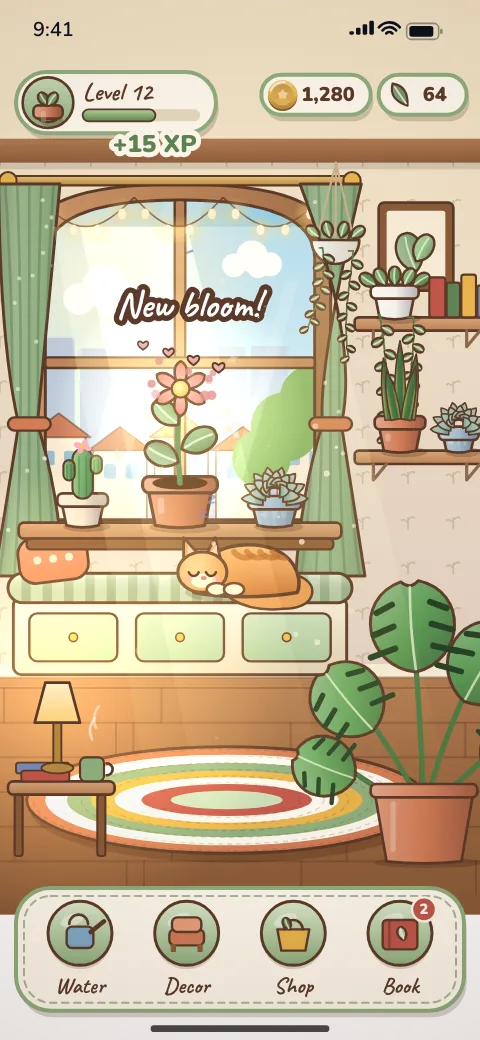
Why cozy ideas grow without anyone noticing
Every cozy feature request sounds small. The cat could get hungry. The plants could wilt if you forget them. Friends could visit. Each one is gentle on screen and adds rules underneath: hunger needs a timer, a fail state and a way to fix it; wilting needs timers that run while the app is closed and probably a notification; visits need accounts and a server.
The way to stay in control is to write down the game as rooms and interactions before you write down features. The cost guide for cozy simulation games shows what each tier costs; this guide is the tool for deciding which tier your list belongs in.
The one test: new rule or new content?
For every item on your list, ask whether it needs the game to do something it does not already do, or only to show something new inside a system that exists.
| Request | Decorative or system? | Why |
|---|---|---|
| Ten more chairs and lamps for the drawer | Decorative | Same placement rules, more art |
| A new rug colorway | Decorative | A variant of an existing item |
| A cat that naps and purrs when tapped | Decorative | An animation on tap, no state |
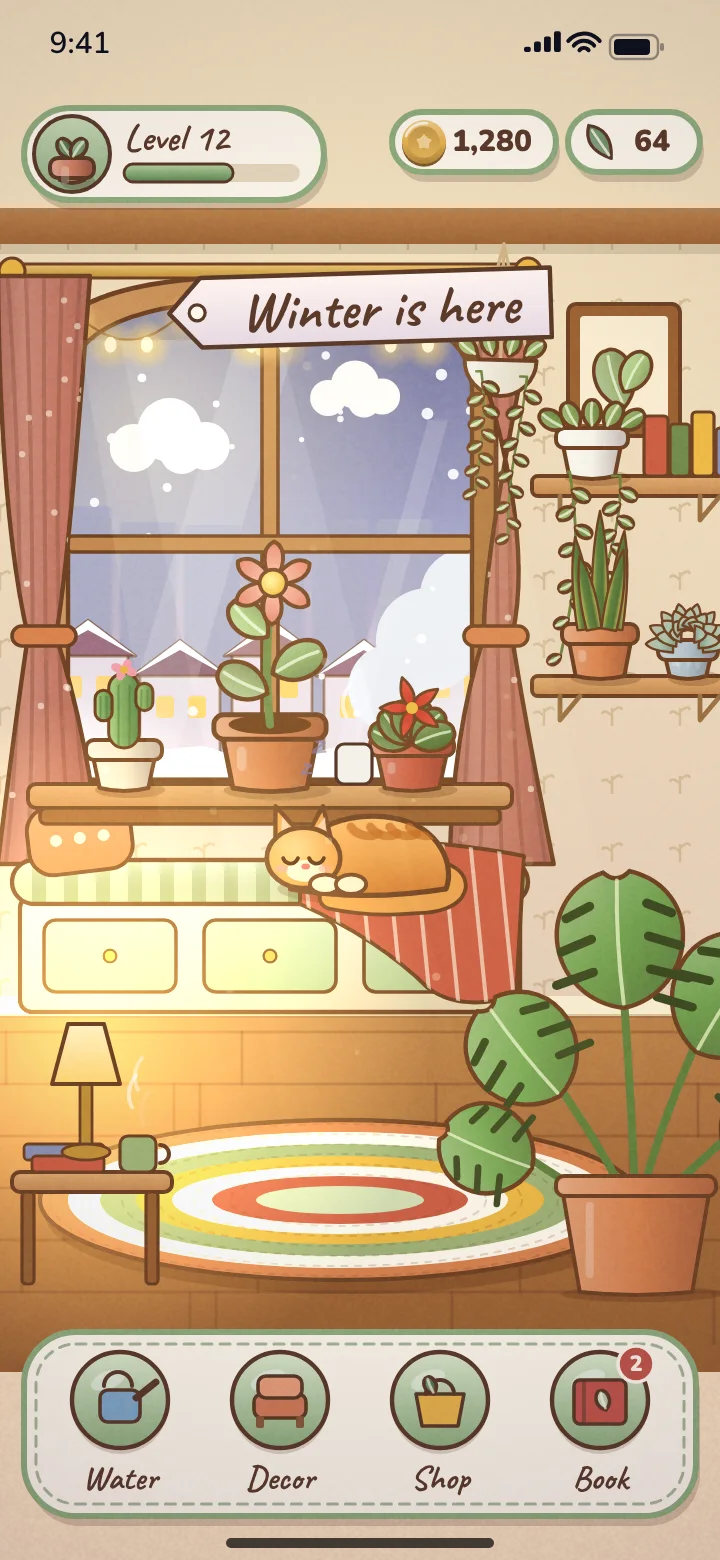
| Snow outside the window in winter | Decorative if it is only the view | A background swap |
| Seasons that change which plants grow | System | Growth rules now depend on a calendar |
| A cat that gets hungry | System | A need, a timer and a way to satisfy it |
| Plants that wilt while you are away | System | Offline timers, a fail state, likely notifications |
| A market that buys your harvest | System | A currency and prices |
| Crafting pots from materials | System | Recipes, inventory, a new screen |
| Visiting a friend's room | System (custom quote) | Accounts, backend, moderation |
Decorative choices are where you can be generous. Within the agreed asset allowance, more variety in an existing drawer makes a game feel richer for very little risk. New systems are where you should be strict, because each one has to be connected to the others and balanced.
Build a room and interaction inventory
List each room, then each spot in it the player can touch, then what happens. Mark the last column as Decorative or System. Here is the inventory for a Core-sized version of our cozy window garden concept, kept to one room and one loop (growing plants).
| Spot | Interaction | What changes | Type |
|---|---|---|---|
| Window sill (3 pot slots) | Tap a pot to plant or water | Plant advances a growth stage over time | System (the core loop) |
| Bloom | Tap to collect | Adds the species to the plant book | Part of the core loop |
| Plant book | Open and browse | Shows collected species | Decorative screen |
| Shelf | Tap to swap the pot style | Cosmetic pot skin | Decorative |
| Cat on the window seat | Tap to pet | Purr animation | Decorative |
| Window | None | Day and evening light | Decorative |
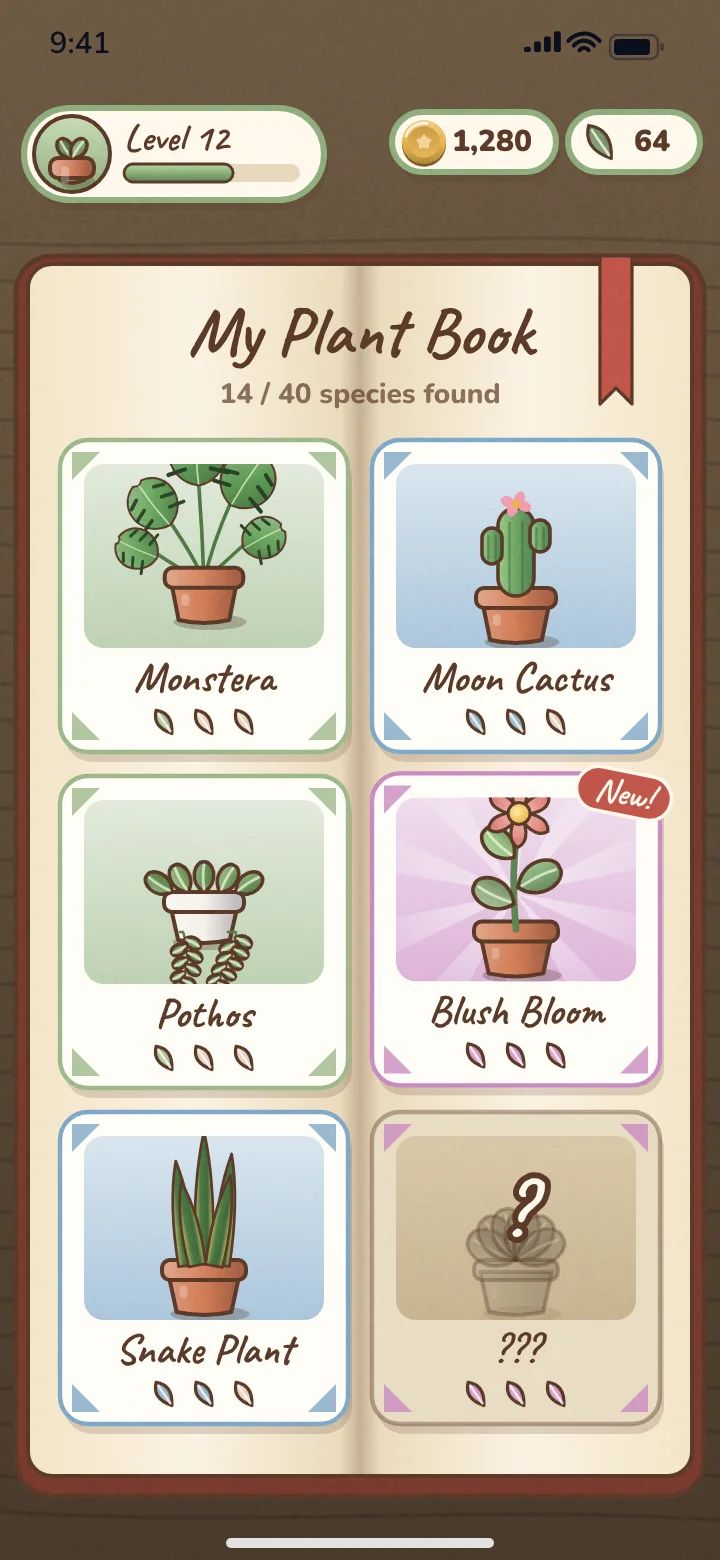
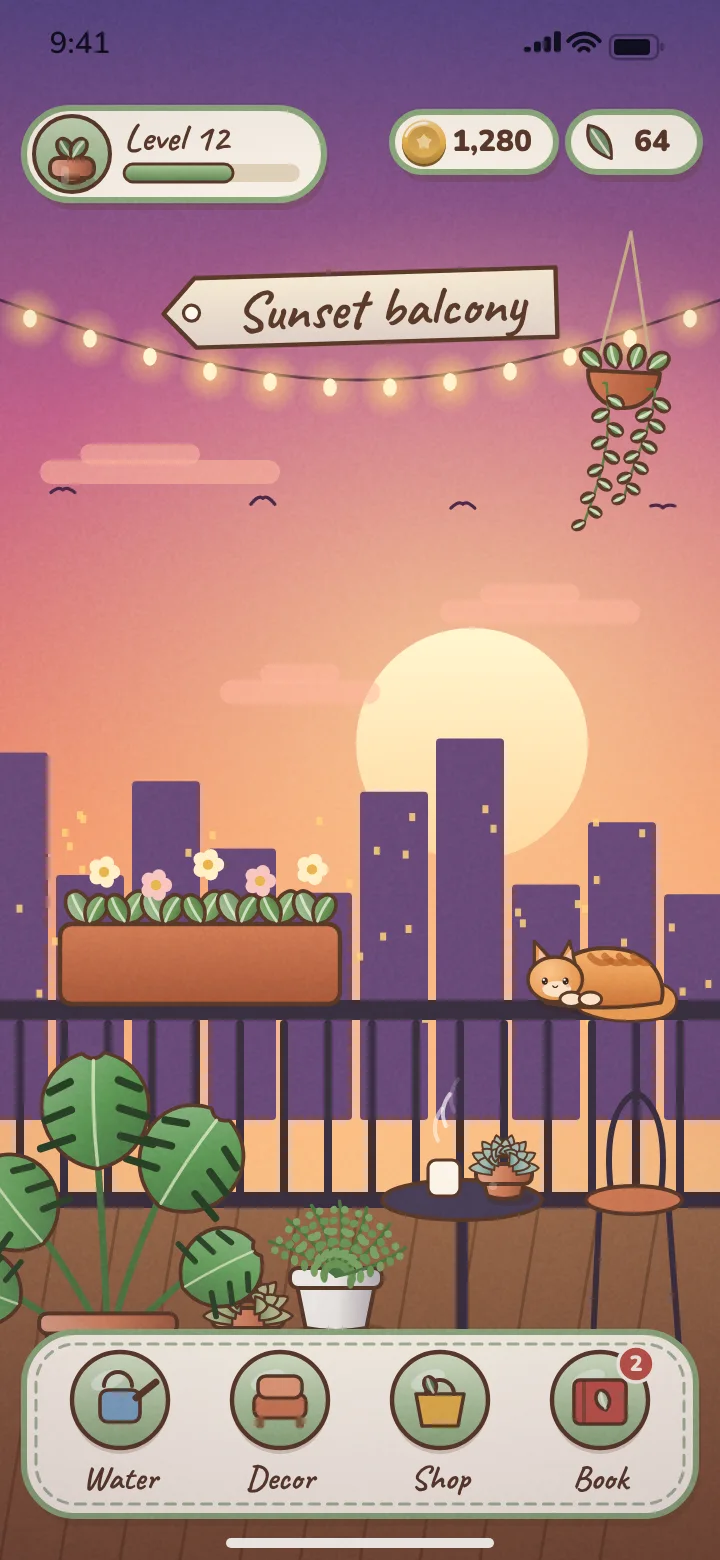
Count the System rows. One loop with decorative screens around it is a Core game. Now imagine adding the balcony as a second room, a market that buys your harvest and decor bought with the proceeds. That is three more System rows and a second environment, which is the full example concept and an Advanced build.
Requests that sound decorative but are systems
Seasons deserve a separate note because they can be either. If seasons only change what you see outside the window, they are background art. If they change what grows, what the market pays or which items unlock, they are a system that touches every other system, and that is a big part of why the example concept is Advanced.
Which package your inventory points to
- One room, one loop and everything else decorative: Core Game at $499, or Core Game + Launch at $1,299 with 16 creatives and 30 days of campaign management (ad spend separate).
- Two to four connected systems, such as gardening plus a market plus decor, or multiple rooms with seasons that matter: Advanced Game + Launch at $2,999, first playable in 10 business days and the full build within 30 days.
- Anything that needs accounts or a server, such as visiting friends, trading or live seasonal events: a custom quote.
If your list is honest and still lands in Advanced, that is fine; the example concept does too. What matters is that the blueprint written right after payment matches the inventory, because unlimited refinements apply inside the approved blueprint and new systems later are new scope.
Checklist before you commission
Cozy scope check
- Every room is listed, and you know which one the player sees first
- Every interaction is marked Decorative or System
- You can name the one loop the game is built on
- Item and plant counts include growth stages and seasonal variants
- Anything needing accounts, location or a server is marked as custom
- You know which items you would add in an update, rather than at launch
Bring the inventory to the mobile game brief template and the rest of the brief writes itself. When it is ready, you can choose a package and start.
Frequently asked questions
How do I keep a cozy game in scope?
List every room and interaction, then mark each one as decorative (new art in an existing system) or a system (a new rule); count the systems to find the package.
Does adding more furniture change the price?
Usually not, if it stays inside the item allowance agreed in the blueprint; more items in an existing drawer are decorative, while a large asset increase is a scope change.
Are seasons a decorative choice or a system?
Seasons that only change the view are art; seasons that change growth, prices or unlocks are a system and point toward Advanced.
Can a cozy game with a pet fit Core?
A pet that animates when tapped is decorative and fits; a pet with hunger or other needs is an extra system.
What happens if my inventory needs more than the package covers?
At kickoff you choose to trim it to fit, upgrade for the difference, or take a full refund.
Written and reviewed by the DFY Games team. Published ; facts checked . Prices and store rules change: check the linked sources before you rely on a figure.