
A runner brief is about feel
Most runner briefs describe the theme and the characters at length and the controls in one line. Theme is easy to change at the art checkpoint; the way a swipe responds and the rhythm of obstacles is what players judge in the first ten seconds, and it is hard to describe after the fact. A good brief fixes three things in writing: controls, obstacles and the speed curve.
The control blueprint
List every input, what it does and how forgiving it should be. Keep it to one thumb if you can: every extra gesture is something new players get wrong.
| Input | Action | Feel target | Annotation |
|---|---|---|---|
| Tap | Jump | Instant takeoff; fixed height | Holding for a higher jump is a second rule; leave it out unless the game needs it |
| Swipe down | Slide | Short slide, can cancel into a jump | Lets players fix a late decision |
| Swipe down in the air | Fast drop | Lands within a few frames | Makes jump-then-slide combinations possible |
| Input just before landing | Buffered jump | Accepted a moment early | Removes "I pressed it!" deaths |
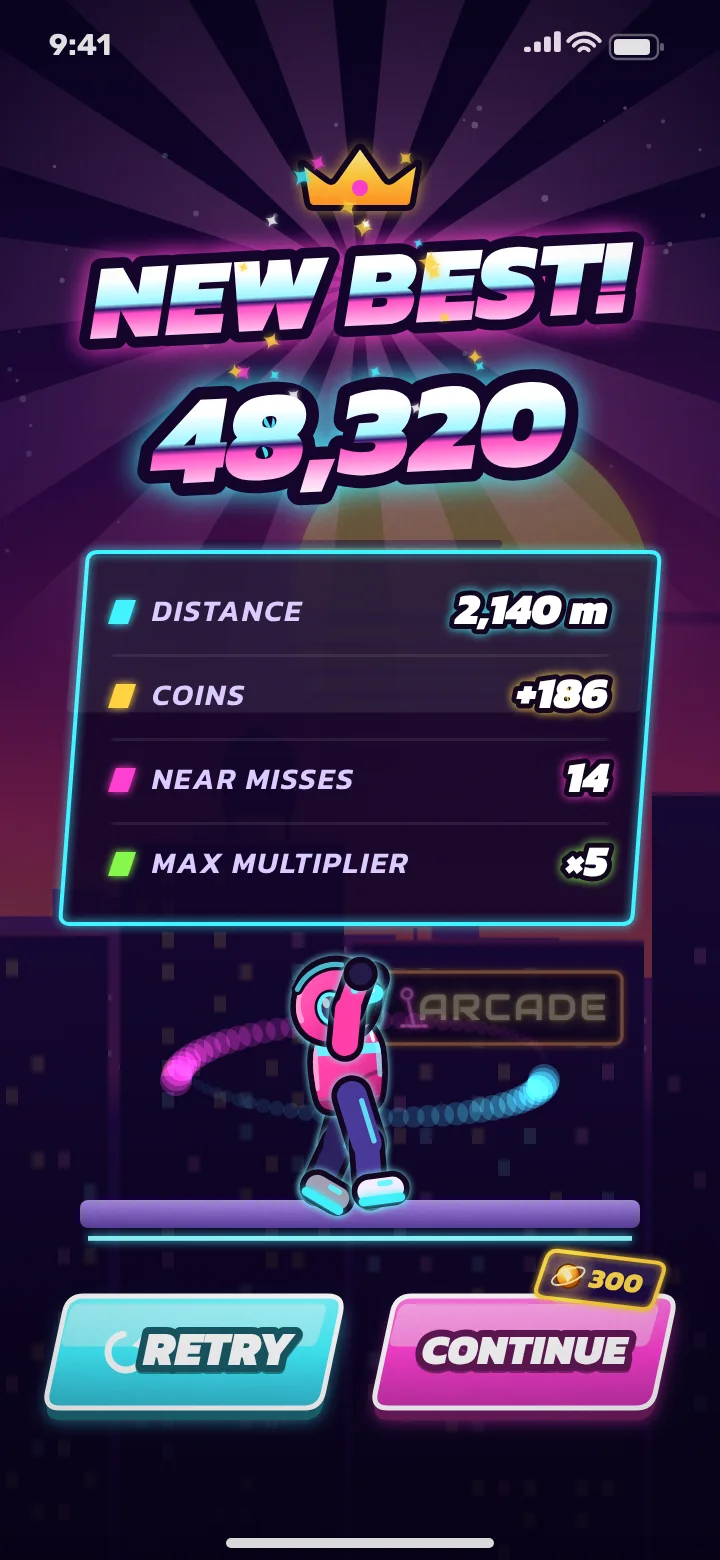
| Tap on results screen | Retry | Back in a run within a couple of seconds | Restart speed matters as much as run speed |
The obstacle blueprint
For each obstacle, write the move that beats it, how the player is warned and when it first appears. The warning column is the one that decides whether deaths feel fair.
| Obstacle | Beaten by | Telegraph | First appears | Near-miss bonus |
|---|---|---|---|---|
| Rooftop gap | Jump | Edge highlight, gap visible well ahead | First seconds, slow speed | Landing close to the edge |
| Hovering drone | Slide | Red scanning beam sweeps before it arrives | After the first gap | Sliding under the beam late |
| Laser fence | Jump | Fence flickers on with a sound cue | Once jump is learned | Clearing it at the last moment |
| Vent burst | Wait or jump | Steam puffs twice before firing | Mid-run | Passing just after it fires |
| Drone after a gap | Jump, then fast drop and slide | Both visible together | Late; never in the first minute | Chained near misses |

Add one line for combinations you never want, such as a drone placed directly after a gap at top speed. The spawner can be told to avoid them, but only if someone wrote them down.
A reusable control and obstacle worksheet
Copy this worksheet into your own brief and fill in every line before checkout. If a line has no answer yet, that is the decision to make first.
Controls
- Every input listed with the one action it triggers
- The whole game playable with one thumb, or a written reason why not
- A feel target for each input (instant, short, cancellable)
- Forgiveness rules named: input buffering, hit boxes smaller than the sprite
- Retry reachable with one tap from the results screen
Obstacles
- Each obstacle has exactly one move that beats it
- Each obstacle has a warning cue the player can see or hear in time
- The order in which obstacles first appear, one new type at a time
- What counts as a near miss for each obstacle
- A list of combinations the spawner must never produce
- The total obstacle count kept small enough to describe in one table
Describe the speed curve in plain words
You do not need numbers. Describe the run in phases and what the player should feel in each, and the developer turns that into values that get tuned in playtesting.
- Opening: slow and readable; the first hazard is telegraphed early and the second rewards a near miss with a visible multiplier.
- Build-up: speed rises steadily, new obstacles appear one at a time, gaps between them shrink.
- Flow: combinations appear, near misses chain into a multiplier frenzy.
- Ceiling: speed stops rising at a level that is hard but readable, so long runs end on mistakes rather than impossibility.
Judge the playable checkpoint
In a Core build the playable loop arrives around days 2-3, before final art. It will look rough. That is the right moment to judge controls and obstacles, because changing them after art and effects are in costs time on both sides.
Playable checkpoint test (15 minutes, on a real phone)
- Hand it to someone who has not seen the brief: do they survive the first 30 seconds without being told anything?
- Play ten runs yourself: did every death feel like your mistake?
- Does a near miss feel different from a normal pass, with a visible reward?
- Is retry fast enough that you start another run without thinking?
- Do any two obstacles arrive together in a way you could not react to?
- Is the jump height right for the gaps, with no pixel-perfect jumps?
- Write one list of changes, ranked, from one feedback owner
Example: a one-page runner brief
Put together, a Core runner brief fits on one page. This is the version for our example endless runner concept, written the way a buyer could send it.
Notice what is missing: no story, no lore, no list of twenty characters. Those can come later if the runs feel good. The launch checklist covers what happens after the build, from store assets to the first campaign.
What to leave out of a Core runner brief
Leave out anything that adds a system: extra worlds, characters with powers, missions, an upgrade tree, online leaderboards. If those are central to your idea, say so up front and scope Advanced; the endless runner cost guide compares what each of them adds. If they are nice-to-haves, park them in a "later" list so the blueprint stays clean.
The mobile game brief template covers the parts every genre shares (audience, references, monetization, store). When your control and obstacle tables are filled in, the endless runner package is the next step.
Frequently asked questions
What should an endless runner brief include?
The controls and what each does, every obstacle with its counter-move and warning cue, and a plain description of how speed rises over a run. Theme and art references come after that.
Do I need to give exact speeds and timings?
No. Describe each phase of a run and the feeling you want; the developer sets the values and tunes them in playtesting.
When can I play the first build?
In a Core build the playable loop is shared around days 2-3, before final art, so controls and obstacles can be adjusted early.
How many obstacle types should a first runner have?
A compact set that you can describe in one table, usually a handful. Every extra type multiplies the combinations that need testing.
Who should give feedback on the playable?
One person who collects everyone's notes and sends a single ranked list. Scattered feedback is the most common cause of delay.
Written and reviewed by the DFY Games team. Published ; facts checked . Prices and store rules change: check the linked sources before you rely on a figure.